
Publish a canonical, crawlable HTML menu page, add Menu, MenuSection, and MenuItem JSON-LD schema, and keep that data synced with your Google Business Profile. This combination is the fastest route to visibility across Search, Maps, AI overviews, and voice assistants for F&B restaurants, and it's the single change that stops AI tools from recommending a competitor because your own data was inconsistent or invisible.
This is an operator-friendly playbook: exactly what belongs on your menu page, how to implement the schema, how to keep Google Business Profile and delivery platforms in sync, which dishes deserve the sharpest copy, and an audit cadence that keeps all of it accurate.
TL;DR
- • A crawlable HTML menu with consistent, descriptive dish names is the foundation everything else attaches to — AI tools treat PDFs and image-only menus as dead ends.
- • Map sections and dishes to Menu/MenuSection/MenuItem JSON-LD and validate it regularly to catch mismatched prices or broken markup.
- • Keep your website menu and Google Business Profile menu identical — conflicting data is exactly what makes AI tools hedge or guess wrong.
- • Not every dish deserves equal effort. Spend your sharpest copy and schema priority on your highest-margin, most-ordered items.
What exactly should be on an SEO-ready restaurant menu page?
Google cannot read a PDF the way it reads HTML, and most AI systems treat image-only menus as dead ends. A canonical, crawlable menu page built in plain HTML, with real text for every dish, is the baseline every other tactic depends on. If your menu lives in a scanned PDF or a flattened image, none of the schema work below has anything to attach to.
Once the HTML foundation is in place, each menu item needs a consistent set of fields so both diners and crawlers can parse it the same way:
- Dish name — exact and consistent across every platform, not a rotating nickname.
- Short description — ingredients and preparation style, written for a human first.
- Dietary and allergen flags — vegetarian, halal, gluten-free, nut warnings, wherever relevant.
- Price — stated with currency, matching the price on your Google Business Profile and delivery apps.
- Availability — lunch-only, seasonal, or limited-run items marked clearly.
- Image with alt text — a photo that supports the listing, never a substitute for the text itself.
Group dishes under clear section headings such as starters, mains, and desserts, and give each menu version (lunch, dinner, set menu) its own canonical URL rather than stacking them all under one ambiguous page. That structure alone helps Google and AI overviews understand which items belong together and which menu is active at a given time.
Writing the copy itself is where most restaurants either win or waste the opportunity. Use the words a diner would actually search for: a dish called "Chef's Special" tells a search engine nothing, while "Grilled Miso Salmon with Charred Broccolini" gives it ingredients, cooking method, and flavour in one line. Sensory language helps too, but keep it readable and avoid cramming in keywords that break the sentence.
Finally, assign ownership. Someone on the team needs to be the single source of truth for menu updates, and every other platform — from the website to delivery apps to GBP — should pull from that one record rather than being edited independently.
⚡ Pro Tip
Write menu descriptions the way you would describe the dish to a regular, then check if a search engine would understand it just as well.
How do you implement Menu, MenuSection, and MenuItem schema?
Schema is what turns your menu copy into something machines can act on, not just read. Google Search Central recommends JSON-LD as the preferred format for structured data, and it documents Menu, MenuSection, and MenuItem specifically for restaurant content. Schema.org's Menu reference defines the properties you'll actually fill in.
A practical rollout looks like this:
- Map your menu sections to
MenuSection, each with anameproperty matching your on-page heading. - Map each dish to
MenuItem, includingname,description, and anoffersproperty for price. - Nest
MenuItemobjects inside their parentMenuSection, and nest sections inside the top-levelMenuobject. - Add
imagewhere a photo exists, since it helps visual search and AI overviews pull the right picture. - Validate the markup before publishing, then recheck after every price or menu change.
For seasonal or set menus, treat each version as its own Menu entity with its own canonical URL, and update or retire the schema when the menu changes rather than leaving stale JSON-LD live after the dish is gone.
Testing matters as much as writing the code. Run every page through Google's Rich Results Test and a Schema Markup Validator, then monitor Search Console for structured data errors over time. Three mistakes show up constantly in restaurant sites:
- Prices in the schema that don't match the price on the page or on GBP.
- The same dish appearing with different names or descriptions across menu versions.
- Schema embedded only in a PDF, where crawlers can't reliably extract it.
If a full schema rollout isn't possible this week, at minimum make the HTML itself semantically sound: real headings for each section, list or section elements for dish groupings, and descriptive text rather than image labels. That structure alone gives search engines and AI parsers something reliable to work with until the JSON-LD is in place.
How do you keep your Google Business Profile and menu data in sync?
Your website menu and your Google Business Profile menu need to say the same thing, because conflicting data is what makes AI tools hedge or guess wrong. The GBP menu editor lets you add items, descriptions, and prices directly, and Google notes that updates typically appear within 24 to 48 hours. GBP can also transcribe menu data straight from your website, which is one more reason the site should be the controlled, authoritative source.
When multiple menu sources exist, point your GBP settings toward your canonical site menu rather than letting a third-party aggregator or an outdated upload take precedence. A short weekly audit keeps everything aligned:
- Compare prices across your website, GBP, and delivery platforms for mismatches.
- Confirm item availability matches what's actually being served that week.
- Check that popular dish names on GBP match your site's naming exactly.
- Scan recent photos on GBP and delivery apps for anything outdated or mislabeled.
Customer-suggested edits are common on GBP, and Google prioritises owner edits over them when both exist for the same dish. Still, check suggested edits regularly rather than letting them sit, and escalate to Google support if an incorrect edit persists after you've corrected it.
One metric worth watching closely is "Menu" clicks inside your Google Business Profile dashboard, since GBP help documentation flags menu clicks as a direct visibility signal. A rising trend tells you the synced menu is actually being discovered and used, not just sitting there.
If you manage several locations, the consistency problem multiplies fast, and tools built for multi-location GBP management exist specifically to prevent one outlet's stale menu from undermining the rest.
How does menu engineering decide which dishes you optimise first?
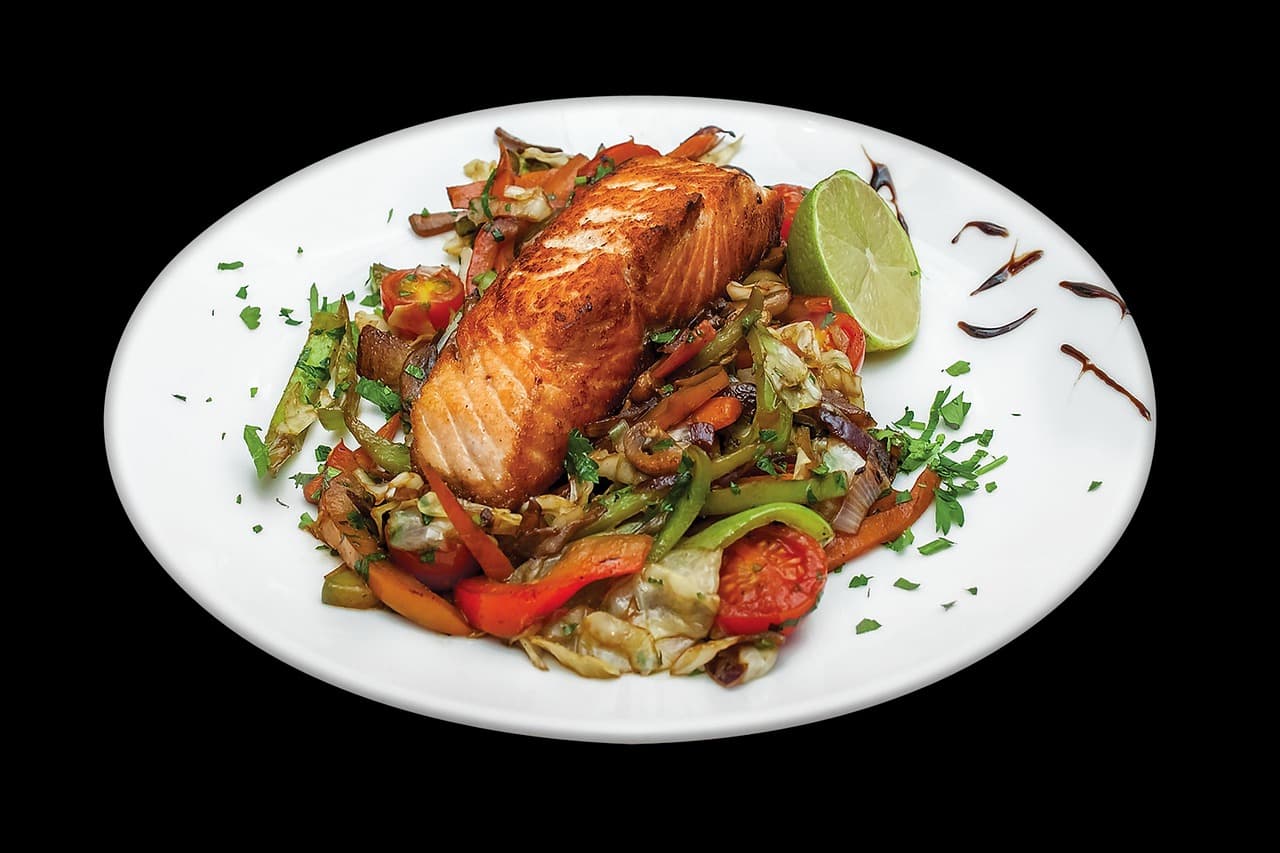
Not every dish deserves the same optimisation effort. The menu-engineering matrix sorts items into stars, puzzles, plowhorses, and dogs based on popularity and profitability, and it's a useful filter for where to spend your SEO effort too. Your stars — the high-margin, high-popularity dishes — are the ones worth writing the sharpest search-friendly copy for and marking with schema priority.
A practical sequence for upgrading a menu's search performance:
- Identify your stars and puzzles using sales data, not guesswork.
- Rewrite their names to include distinguishing ingredients or locality where it fits naturally, since generic names rarely match what people type into search.
- Add sensory, specific descriptions that improve click-through from search results, not just in-venue appeal.
- Apply golden-triangle placement, both on the printed menu and near the top of the web page, so signature dishes get visual priority.
- Use consistent schema markup to flag these items the same way across every platform.
Short testing windows help confirm whether a change is working. Pulling POS exports before and after a copy or placement change gives you a clean read on whether the new description or position actually moved orders, without waiting months for a verdict.
One detail trips up more restaurants than it should: using a different dish name on the website than on GBP. Even a small variation, like "Char Siew" versus "Char Siu," can confuse how AI systems match your listing to a search query. Keep the name identical everywhere, every time.
⚡ Pro Tip
Treat your highest-margin dish names as a fixed string, copy them exactly across your site, GBP, and delivery apps, and never let a redesign quietly change the wording.
What should you measure, and how often should you audit your menu?
A menu that ranks today can drift out of sync within a week if nobody is watching it. The metrics worth tracking consistently are GBP menu clicks, menu page views, orders or bookings attributed to the menu page, item-level sales from your POS system, and how recently your reviews mention specific dishes.
| Cadence | What to check |
|---|---|
| Daily | Automated checks for price mismatches between the site, GBP, and delivery platforms. |
| Weekly | A manual spot-check of dish names, photos, and availability. |
| Monthly | Full schema validation and a review of which menu pages are actually driving clicks. |
Connecting POS data to this workflow turns the whole process from guesswork into iteration: if a dish's sales spike after a description change, you know the copy worked, and if clicks rise but orders don't, the problem is further down the funnel. Set alerts for GBP edits and third-party feed changes so a stale price doesn't sit live for weeks. Reserve a full menu redesign for structural problems, like outdated categories or a broken information architecture, and use smaller iterative updates for everything else.
How does Epicware apply this checklist across multi-outlet restaurant groups?
Across the multi-outlet restaurant groups Epicware has worked with, the pattern behind stronger menu visibility has been consistent: a GBP audit to catch mismatched dish names and stale prices, a canonical menu page rebuilt in clean HTML, Menu and MenuItem schema added and validated, and an active review management process to keep recent, relevant feedback visible next to the menu.
The checklist Epicware applies on these projects mirrors the steps in this guide:
- Confirm the website menu is HTML, not PDF or image-based.
- Add JSON-LD schema and validate it against Google's testing tools.
- Audit GBP, delivery platforms, and the website for naming and price consistency.
- Set up menu-click tracking inside GBP as a baseline metric.
- Review recent customer feedback for dish-specific mentions that confirm or contradict menu claims.
Two services map directly onto this work: GBP optimisation, which covers the audit and sync steps, and AI and GEO overview optimisation, which focuses on the structured-data and AI-visibility layer described above. Neither replaces the operational discipline of keeping a single source of truth, but both shorten the time it takes to get there.
Why should menu SEO be prioritised now?
Most restaurants treat the menu as a design document instead of a data asset, which is exactly why so many lose visibility to places with worse food and better structured data. Menu SEO is one of the highest-leverage fixes available because it touches Search, Maps, and AI overviews at once, and it rarely needs a full website rebuild to start working.
Expect weeks, not days, for the full payoff: schema needs validating, GBP needs its 24 to 48 hour sync window, and AI systems need a stretch of consistent data before they trust it. One operator running a handful of outlets fixed nothing more than mismatched dish names between the website and GBP, and menu clicks began climbing within the following reporting cycle. The fix wasn't clever. It was just consistent.
— Vignesh
Where does Epicware fit for multi-location menu SEO?
Fixing menu SEO manually across several locations means repeating the same audit, the same schema check, and the same GBP cleanup over and over, which is where a managed platform earns its cost back in time alone. Epicware's relevant services line up directly with the checklist in this guide:
- GBP optimisation to resolve dish-name and pricing mismatches across locations.
- GEO and AI overview optimisation to strengthen how your menu data surfaces in AI-driven search.
- Bad review removal, priced at $200 per review, for unfair or fake reviews sitting next to your menu listings.
- EpicMap and EpicReview, the product lines that handle rank tracking and review management day to day.
If you run one outlet with time to spare, the DIY path in this guide will get you most of the way there. If you're managing several locations, or simply don't have the hours to chase schema validation and GBP sync every week, Epicware's plans start at $299 per month with the Foundation tier. Request a free audit and see exactly where your menu data is falling out of sync before it costs you another order.
FAQ
Is SEO still worth it in 2026?
Yes, and for restaurants specifically it matters more than before, since AI overviews and voice assistants now pull menu details directly from structured data rather than sending diners to a results page to figure it out themselves. A restaurant without a crawlable, schema-backed menu risks being skipped entirely in favor of a competitor whose data is easier to parse.
What are the 7 types of menus?
Common menu types include à la carte, table d'hôte, du jour, cycle, static, fixed, and tasting menus, though definitions vary by region and restaurant style. For SEO purposes, what matters more than the category is giving each version its own canonical URL and keeping it current.
What are the top 5 SEO strategies?
For restaurant menus specifically, the strategies that matter most are a crawlable HTML menu page, Menu and MenuItem JSON-LD schema validated against Google's tools, consistent data across your Google Business Profile and delivery platforms, searchable dish names and descriptions, and regular audits to catch mismatches before they confuse AI systems.
What is the 80/20 rule in SEO?
In a restaurant context, this usually plays out as a small share of dishes driving most of the clicks and orders, which is why menu-engineering frameworks exist to identify those items. Once identified, those dishes deserve the sharpest copy, the strongest placement, and the most carefully maintained schema.
How often should I update my menu's structured data?
Update your schema any time a price, dish name, or availability changes, and recheck it on a monthly basis even without known changes to catch errors that crept in elsewhere. Pair that with the 24 to 48 hour sync window Google notes for GBP menu updates so your website and profile never drift far apart.
Key takeaways
| Point | Details |
|---|---|
| HTML first | A crawlable, text-based menu page is the foundation — PDFs and image-only menus give crawlers nothing to work with. |
| Schema, validated | Map Menu/MenuSection/MenuItem to JSON-LD and recheck it after every price or menu change. |
| One source of truth | Keep your website, GBP, and delivery platforms identical — mismatched data is what makes AI tools guess wrong. |
| Optimise your stars | Spend the sharpest copy and schema priority on your highest-margin, most-ordered dishes, not the whole menu equally. |
| Audit on a cadence | Daily price checks, weekly spot-checks, and monthly schema validation keep drift from creeping back in. |
Epicware audits your menu data across your website, GBP, and delivery platforms, and flags exactly where it's falling out of sync.
Get Your Free GBP & Menu Audit →